

Keep guides and travellers on the same itinerary
Android app development for tour operators is useful when a trip needs coordination away from the booking desk. A guide has two hotel pickups and intermittent signal. A traveller changes hotels after receiving the original itinerary, and the driver needs the updated stop in time. We build native Android apps for repeated work on tour, from checking the pickup list to recording a missed transfer and getting the office involved.
Decide who will use the app every week. A guide or dispatcher may benefit from it immediately. For a guest on a single day trip, a browser link or written confirmation may be enough. If you have repeat travellers or multi-day departures, an app can give guests a place to see their next activity, find the meeting point and check the details they already received.
Choose which role to support first
| User | Useful first job | Information to keep close |
|---|---|---|
| Guide | Confirm everyone has arrived | Traveller list and pickup notes |
| Driver | Find the next pickup | Stop, meeting time and office contact |
| Traveller | Check today's arrangements | Itinerary, vouchers and instructions |
| Tour coordinator | Resolve a change on departure day | Affected group, assigned guide and update history |
Begin with a departure where you can observe the guide and office working together. One usable manifest provides a better pilot than a guest booking flow, a driver screen and every supplier's calendar in the same release.
Build the itinerary guests will actually consult
Show each day's meeting point, time, included activities and notes that matter on the ground. Use the local time of the activity and make the date clear on trips across time zones. Keep a landmark or written direction alongside the map link. A hotel lobby and its vehicle entrance may require different directions. Agree who updates those notes when a supplier changes the meeting point.
Cache the itinerary, essential numbers and selected vouchers before departure. Tell travellers how current the downloaded plan is and where to check updates if the connection drops. If an activity changes after the download, the app can distinguish the last confirmed itinerary from updates received since the device reconnected. Give guides a fallback contact procedure for changes that require a quick acknowledgement.
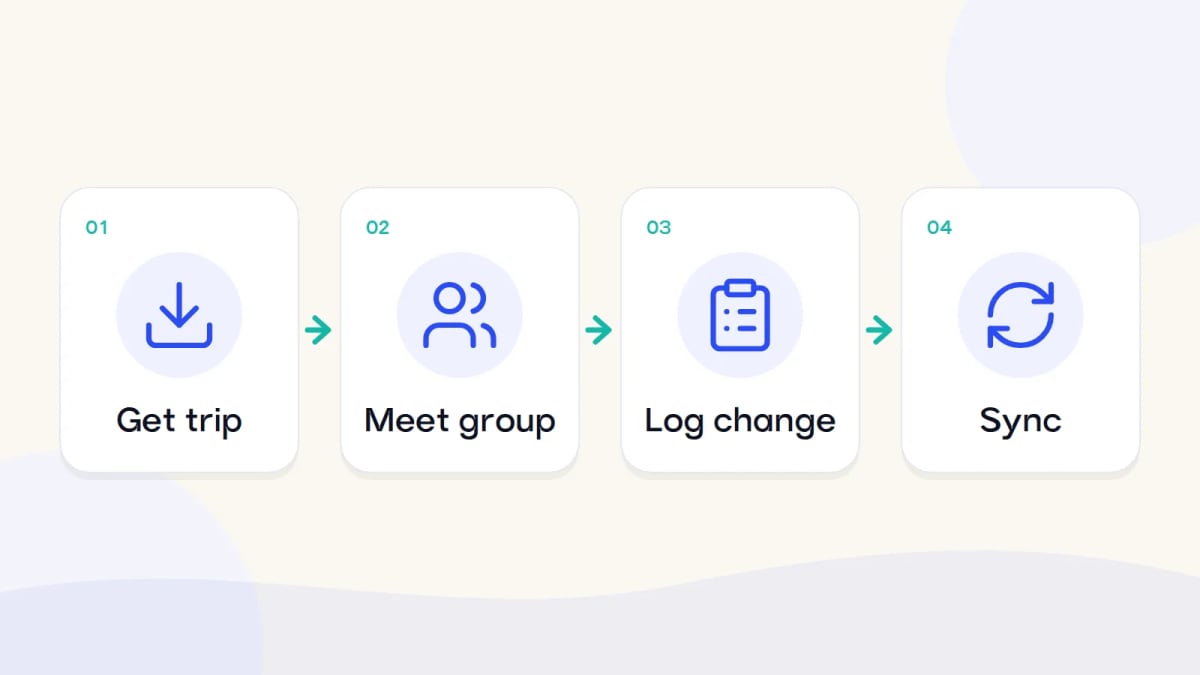
Keep manifests useful and limited to the trip
Give guides the records for their departures and drivers the stops and details they need for pickup. A driver may need a name and meeting point but have no operational need for the full booking record. Agree who can add a last-minute passenger, mark someone as collected or see an incident note. When a shared device changes hands, remove previous trip access according to your operational policy.
At pickup, let a guide record a count or passenger status without a connection. If the office adds a guest during the same window, keep both updates visible for reconciliation. A separate exception queue can show no-shows and changed stops, with a named person to follow up. Test that queue with real staff by replaying a handover where two people reported different information.
Plan changes, notifications and vouchers
A coach breakdown or a delayed group can move the afternoon schedule. Give the coordinator a preview of who is affected before sending an update. The message should say what moved, what action the guest needs to take and where to verify the current details. Keep a record of what was sent. For urgent updates, define how staff reach people who have disabled notifications or have no connection.
If you use supplier vouchers, decide who uploads replacements and what happens to older copies. A scanned voucher can be linked to a booking for staff review. Where a supplier requires live validation, test its supported interface before promising an offline redemption flow. The app can display a document offline while a partner's separate acceptance process still governs entry.
Rehearse the first morning with your guides
Try a departure using the phones and charging arrangements the team normally carries. Ask a guide to open the manifest immediately after a station pickup with the device in flight mode. Have a second person take over when the guide's battery runs out. The rehearsal should reveal which records must be downloadable, which account needs permission to resume the work and what information the guide should also carry in another form if the device is unavailable altogether.
Take an itinerary change from office to coach
Use a late hotel change to test the boundaries of the app. The operations desk should be able to see which departures are affected and publish the changes that apply to each group. Ask the guide to check the updated pickup instructions without digging through old messages. The guest view should carry the current meeting place, departure time and a way to reach the office when a booking is unclear. Record the version and the time so a guide can tell the difference between the latest itinerary and a screenshot sent two days earlier.
Decide what happens to guests who are still offline. The app can display the last saved version and its age, then flag changes when the device reconnects. Agree which changes warrant a notification and which the guide can explain during a group briefing. A notification is only one part of the handover. For a change that would leave a guest at the wrong meeting point, use an acknowledgement or direct contact path agreed with the operator. Rehearse the case where a traveller has disabled notifications and the guide's phone has no data connection.
Design a handover for a substitute guide
A substitute guide may take over a group halfway through a journey. Give the office an explicit assignment step, and agree when the replacement needs access to the departure pack. A good pack covers the itinerary, supplier contacts, outstanding issues and the information needed to count passengers. Identify which information should sit on a guide's device and which belongs in the office. For example, a hotel reference and room allocation may help at check-in, while finance details can stay in the booking system.
Have the outgoing guide mark any unresolved items that matter to the next person. A guest changing pickup points, a wheelchair arrangement and a delayed supplier confirmation need different owners and different next actions. Show the event time and the person who last changed the item. Test the handover with the substitute guide signing in on a different device. When the trip ends, confirm what becomes unavailable to guides, what the operator keeps and what an office user can retrieve to resolve an enquiry.
Separate an offline entry from a confirmed update
A passenger count entered on a coach can be useful even when it has not reached the office. The guide should see which records are still on their phone, and the office should see when it last received updates. Decide how to handle conflicting entries before development. For a routine checklist, recording both entries might be enough. For an attendee status, the office may need to review the entries and decide which one to apply. Agree on a process that fits the person responsible for the departure.
Test a phone that loses signal while the guide is marking arrivals. Ask the guide to reopen the app, record another update and reconnect after several minutes. The count, departure identifier and edit times should still be understandable. Test a replacement guide making changes while an older device is offline. An operational screen should surface the conflict and route it to the person who can resolve it. Keep a plainly worded error for a sync that still cannot finish so the guide knows what to tell the desk.
Keep vouchers easy to find at the point of use
Guests can have several references for the same day, including a coach voucher, hotel confirmation and attraction ticket. Put each reference next to the relevant day and activity, and make it clear whether someone can show it directly or must collect tickets from the guide first. A shared booking may have one voucher for several travellers. Test how a guest who is not the lead passenger finds what they are allowed to see, and whether the desk can reissue a missing reference without sending the whole departure pack.
The operations team should agree what happens when a supplier changes a booking reference after a voucher was saved offline. Display an issue date or version on the downloadable copy. When a refreshed reference arrives, put that status where the guide already looks instead of requiring a separate inbox check. Include a route to ask for help without exposing passenger details to everyone in a group. The same flow should handle an arrival that moves to another day and a supplier that needs a printed copy.
Decide what success looks like on the pilot route
Pick one departure with both a guide and a desk coordinator available. Count the handovers the two roles already make and identify which cause repeat calls. Agree before the pilot which handovers the app is meant to improve. A desk coordinator might need to answer whether a coach has left without interrupting the guide. A guide might need to find the correct pickup instructions in a spot with weak coverage. Those are more useful checks than counting how many screens shipped.
Walk through the trip again after the group returns and compare where the actual questions occurred. If guests rarely used an account, check whether the guide-first workflow already solves the expensive problem. If the issue was frequent changes, improve how departures receive and acknowledge the current itinerary before adding a full guest portal. Keep any successful phone or paper fallback in the route instructions until the team agrees the new process can cover the same exception.
How we develop and release your app
Start with a manifest, itinerary and one itinerary change from a past departure. We prototype the flow for the guide and coordinator and test how each accesses a change during a simulated outage. Kotlin and Jetpack Compose support the native Android build, with Room available for data that needs to stay on the device temporarily. Scope any connection to the website or booking platform after checking which data it can provide.
Pilot with a single departure and test a device handover, a voucher replacement and a late arrival. Plan release through your Google Play developer account and agree who will manage new staff and app updates. The project starts with a 50% advance and uses milestone approvals. See our Android app development service for the wider process.
Adjacent proof
We have no standalone app case study. Lady Scooty Trainer is adjacent website work for a scheduled service. Its consultation form collects a location and a preferred time slot. The trip, manifest and offline workflows described here would be developed for your own operation.
What affects the scope
Scope depends on the first role, the number of booking sources, what needs to be stored on a device and what staff must approve between departures. Share the formats your guides and suppliers receive and mark which fields are still copied by hand. That makes an integration or a trial import easier to evaluate.
Get a written quote
Choose one departure where the guide lost signal and the office had to pass on a change. Bring the guide sheet and the guest message so we can trace the handoff for your travel operation. Message us on WhatsApp at +91 73482 28167 and you get a fixed written quote within one working day.
Case studies
Adjacent work · another industry
Lady Scooty Trainer
Booking platform for a women-only scooty training service across Delhi NCR — free-consultation funnel, course pages and CSR partnerships.
Read the Lady Scooty Trainer case study
Frequently asked questions
Does a tour operator need an app and a website?
The travel website can answer a new visitor's questions and receive enquiries. An app is most useful for repeated on-trip activity that needs the phone, such as offline guide records.
Can guides use the app without a mobile signal?
Yes, for records downloaded ahead of time and updates that can be queued. Train guides to check the download before departure and review any queued updates on return.
Can the app keep a copy of vouchers?
Yes, where you can store the document and have agreed who may access it. Confirm acceptance and replacement rules with each supplier.
Can we connect our existing booking system?
That depends on its export or API and the permissions available to you. We test a sample departure before committing to automatic updates.
Can we build an iPhone version too?
This build is for Android. If guests or guides rely on iPhones, tell us during discovery and we will explain the options.
Can we start with guides only?
Yes. A guide-only release can focus on the departure list, pickup notes and incident handover. Add a traveller view when you know which information guests repeatedly need.