
Give the workshop the current job record
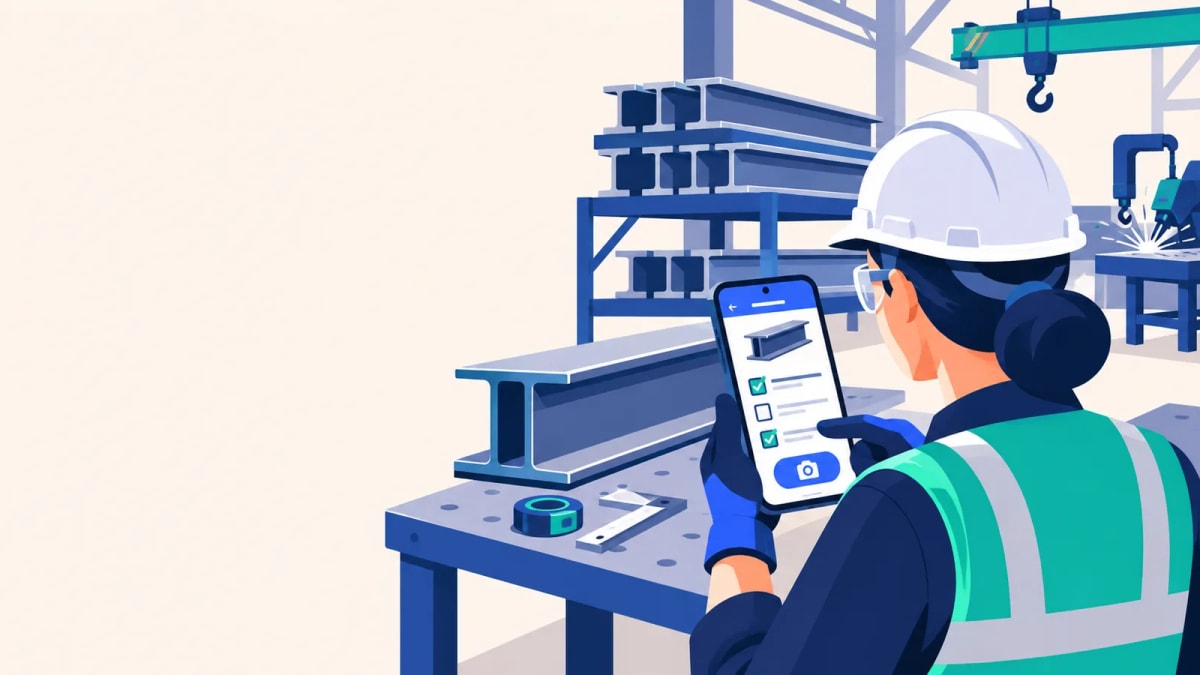
Android app development for steel fabrication can put the drawing reference, piece list and inspection status beside the work. A supervisor moving between a cutting bay and the loading area should be able to see which assembly a tag belongs to, photograph a damaged edge and report a missing bracket from the same device. We build native Android apps for the steps that are hard to run from a shared desktop.
Consider a batch of frames moving between fabrication and coating. The fitting team finishes eight, one goes back for rework and two are waiting for inspection. A single percentage tells dispatch very little. The useful signal is which assemblies can be loaded for the next site delivery and why the rest are held. Capture progress at the piece or batch level your team already identifies reliably.
Decide where the phone belongs
| Team | The moment to capture | Good first screen |
|---|---|---|
| Fabrication supervisor | A batch leaves a workstation short of two pieces | Piece counts with a shortage reason |
| Quality inspector | A joint or dimension needs review | Drawing reference and evidence form |
| Dispatch checker | A tagged assembly reaches the loading bay | Load list with missing and duplicate scan warnings |
| Site supervisor | An assembly arrives damaged or incomplete | Receipt record with location and photographs |
Pick a handoff people already recognise. A dispatch pilot can work with one load list and one person responsible for closing it. Add upstream production records once tagging and scan exceptions are understood.
Handle drawings, tags and inspections
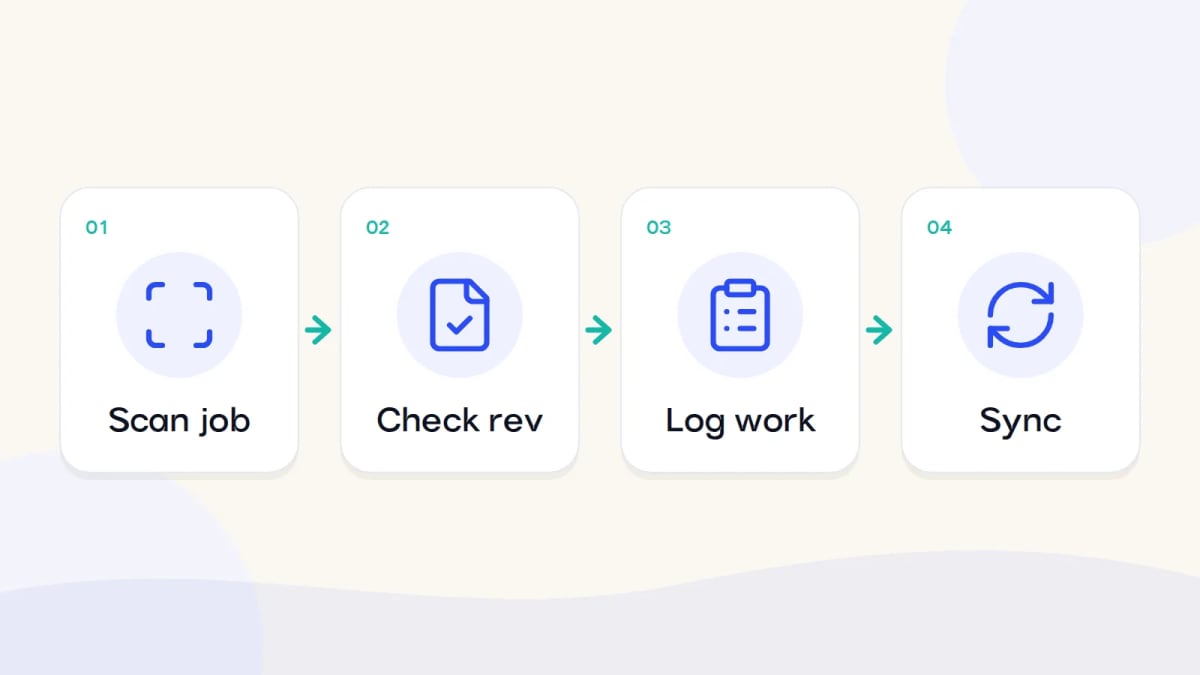
When a job opens, show the revision, the time it was last checked and the part marks in that release. If a new revision changes hole locations while a phone is offline, flag the local copy as potentially stale and require a fresh check for any step the workshop identifies as revision-sensitive. Make superseded drawings visible to authorised staff as history. Keep the current revision easy to recognise in a hurry.
Labels get covered, torn or removed during handling. Use QR scanning where the tags hold up and provide a manual lookup by job and piece mark. The checker must confirm the match if a search returns more than one result. Agree whether a bundle label stands for every item inside or whether each item requires its own check. Test labels on actual components before printing them for a full run.
For an inspection, attach the photograph to the piece, the applicable drawing revision and the issue category. A defect report should say who can clear it and which steps it blocks. If a part goes back to the bay, keep the original issue and append the reinspection record. Give the person who signs off enough context to see why the part was held.
Make offline use predictable
Download the jobs assigned to a device before a shift moves beyond reliable coverage. Show when the list was last refreshed and distinguish records saved on the phone from records received at the office. Smaller image files may be appropriate for routine defects, while cases requiring fine detail should have their own attachment rules. Give a supervisor a way to see uploads waiting on a connection before clearing the device or reassigning it.
Agree which decisions can proceed offline. A count and a photograph can usually be queued for review. If a release decision requires checking whether another supervisor has put the job on hold, make that action wait for a connection. Where two people scan the same bracket, keep both observations available and let the dispatch view count the bracket once.
Link dispatch to the piece record
Create the load list from the assemblies approved for that delivery. Group the list by delivery stop where needed, then show missing pieces and extras separately. A runner can set aside an unrecognised part and ask a supervisor to resolve it while the rest of the truck is checked. Record when a supervisor approves a split delivery so the next team can tell what is due on the second truck.
Give the site team a receipt view for the shipment. A photograph of a damaged assembly belongs on its own line, along with a note about what it affects. When a replacement ships, link it back to that issue. That lets the workshop see which remedy remains open after delivery and gives the office a record for a conversation with the customer.
Test the app on a working shift
Ask staff to try the screens while wearing the gloves they normally use and in the lighting available at each bay. Check whether scanning still works after a label is creased or dusty. Measure how many taps it takes to correct a count, because a correction made under pressure is a better test of the screen than a clean demonstration.
How we build it
Bring a job card, a drawing revision and a list of parts from an actual load. We prototype the scan, manual lookup and exception screens on the Android devices your team uses. We build in Kotlin with Jetpack Compose and can use Room for records that need to stay on the phone. During the pilot we test an unreadable tag, a duplicate scan, a return from offline mode and a last-minute load change.
Plan a release through your Google Play developer account and decide who manages staff access and updates. Delivery begins with a 50% advance, with milestone approvals during the build. The Android app development service describes the technical scope.
Adjacent proof
We have no standalone app case study. HCB Engineering is adjacent work for an electrical contracting company. It is a website project. The workshop scanning and inspection workflows above describe a proposed build.
What decides the scope
Bring the number of job, inspection and dispatch roles, the labels available today, the oldest device the team needs to support and examples of any data to import. Offline approvals, large drawing files and integration with a job system each change the testing needed before rollout.
Get a written quote
Show us the tag that gets lost most often and tell us who decides whether the load can leave without that piece. We can use that exception to define a first fabrication pilot. Message us on WhatsApp at +91 73482 28167 and you get a fixed written quote within one working day.
Case studies
Adjacent work · another industry
HCB Engineering
Professional website for a government-licensed electrical contracting company with 20+ years of experience.
Read the HCB Engineering case study
Frequently asked questions
Can workers record progress without Wi-Fi?
Yes. The app can hold assigned work and queue counts or photos until it reconnects. Decide which decisions require checking the office record before they can proceed.
Can a shared phone be used?
Yes, if staff can identify themselves at the steps that require accountability. Pilot the sign-in process with the people taking over the device each shift.
Can the app show a drawing on the shop floor?
Yes. Decide which drawings can be downloaded, how revisions are shown and which steps stop when a current copy cannot be confirmed.
Can we keep our existing job system?
Often, yes. We start with an export or supported API and decide where the job record is edited. The mobile workflow can write back only the agreed fields.
Will the app work on an iPhone?
This service builds native Android apps. If some supervisors use iPhones, tell us during discovery and we will explain the options.
Can the office handle planning and costing separately?
Yes. Explore custom software for fabrication if planning and job costing need a browser workspace alongside the app.