
Build for regulars with a reason to return
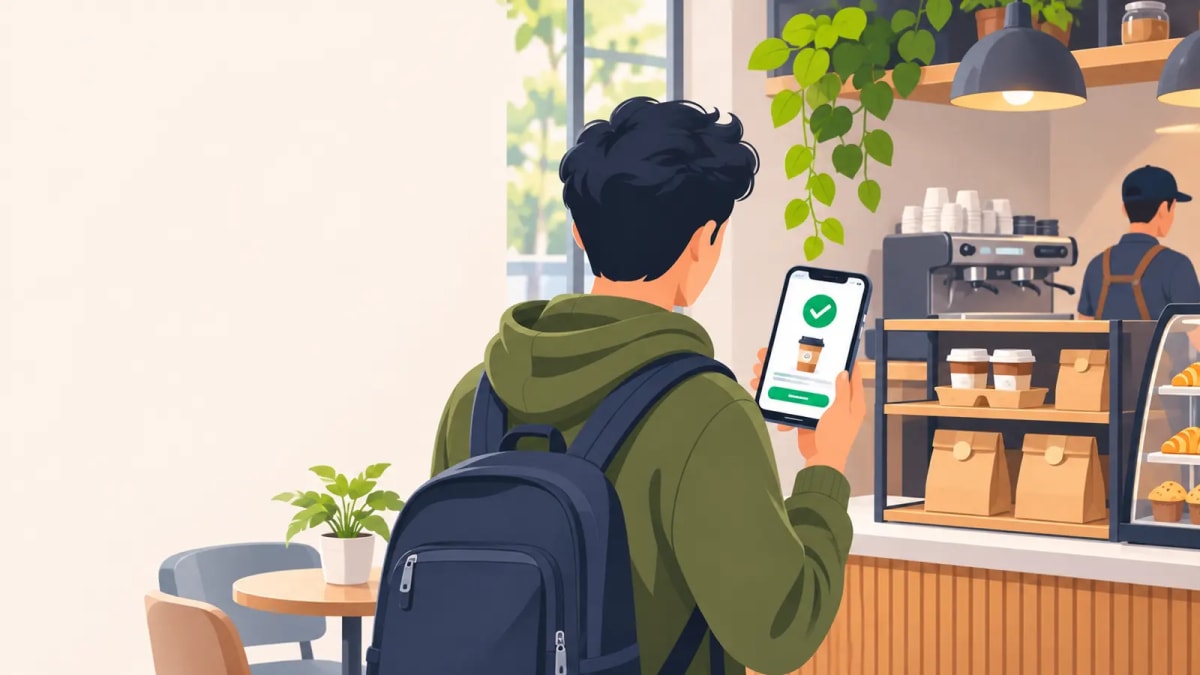
A regular orders the same coffee on the way to work, but the queue at the till means the order is ready after their train leaves. A different customer just wants to see the café's hours before meeting a friend. Native Android app development for restaurants and cafés works best for the first person, who has a repeat job worth saving. The second can use a public menu and opening times without creating an account.
Decide whether the app should serve customers or staff. A regular might want to repeat a pickup order, collect loyalty credit or find their group booking. A shift supervisor might need to pause a pickup window or update an unavailable item while away from the till. These people need different screens and permissions. A single release for one audience gives you a clearer pilot.
Make repeat pickup practical in a live kitchen
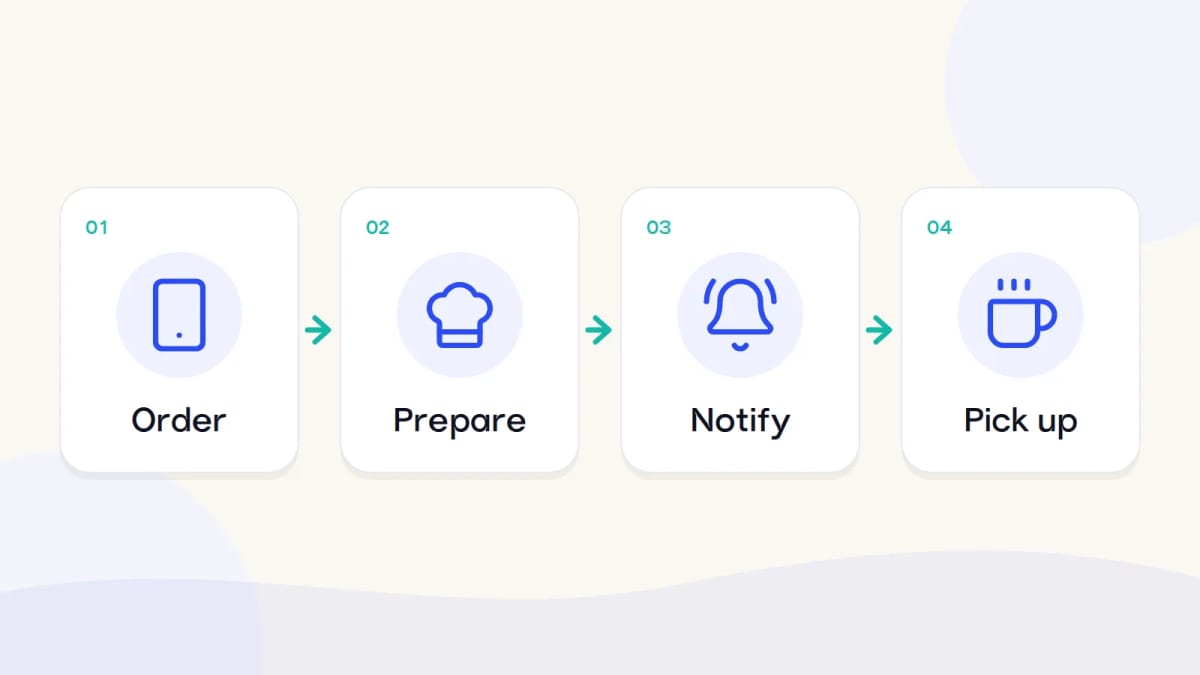
Start with outlet selection and a usable pickup window. A remembered outlet is convenient on weekdays but can send a weekend order to the wrong branch. Put the branch and collection time beside the final confirmation. If the queue fills, offer an alternative window before the customer pays.
When a customer taps reorder, rebuild the basket from today's menu. Flag a cake slice that ran out or a drink option the café no longer offers. Ask the customer to choose substitutions before proceeding. If a modifier affects prep, show it on the kitchen ticket alongside the item and preserve it in order history so a team can check what was requested.
Use separate order and payment states. A customer who has authorised a payment needs to know whether the outlet has accepted the order and when it expects to have it ready. If an order stalls after payment, the support team needs the order reference and the gateway status. A second tap should reopen the existing order while the team checks it. Scope refunds and outlet rejection with the manager who will handle them during service.
Design loyalty for shared tills and different branches
Agree when a stamp or point is earned, what happens after a refund and whether every branch participates. A staff member may need to reapply credit when the customer gives the wrong identifier. Define who can approve corrections and store a reason so the owner can review unusual adjustments. Show guests which purchases qualified and where they can use their balance.
A counter app for staff can serve a separate function. The shift lead can mark a product sold out, acknowledge a delayed order or hand a table request to a colleague. On a weak connection, show the last confirmed status. Do not display a pending change as applied across all outlets. Agree which actions staff can complete locally and which require a response from the kitchen system or backend.
Push alerts need a practical purpose. Ready-for-collection notices and changed reservations relate to orders customers already made. Marketing messages should have their own preference. Avoid putting detailed order information in a notification preview if the café expects customers to share devices or keep phones on public counters.
Connect the app to the outlet's actual workflow
Our Android app development service uses Kotlin and Jetpack Compose and covers Play Store release. Inventory, payments and preparation status depend on what the existing point-of-sale system or order service can share. Review its documented interface with the vendor first. A limited pilot can send orders to a staffed queue and let the shift lead acknowledge them if full till integration needs more work.
Prototype a common order and test a Friday rush with the people who prepare it. Include a sold-out lunch special, a cancelled pickup slot and a guest returning after a payment interruption. Check the Android devices customers or staff will use, including a phone on slow data. During the pilot, check that the kitchen can locate every paid test order and that support can resolve missing acknowledgements. Plan the Play Store listing, data safety information and account ownership alongside the release.
Agree who can stop new app orders during a rush. An outlet may be able to honour orders it has accepted while pausing the next two pickup windows. Keep those two states separate and explain what happened if a guest returns to a basket after the pause. Resume orders with a deliberate action by the shift lead, so a delayed sync cannot reopen capacity the kitchen still needs.
Plan an opening-day check using the shop's usual devices and staffing. Ask the person on the handover counter to find an order by its reference, confirm collection and resolve a guest arriving at the wrong outlet. Those results matter more than how the ordering screen looks in a quiet demo.
Check the full path for a customer who collects orders at two branches. The order history should show where each drink was prepared, where to raise a question and which store will honour any correction. If the customer switches branches after starting a basket, recheck the items and pickup promise before they confirm.
What decides the cost
The scope depends on whether the app is for customers or staff, the number of outlets, how menus and stock availability reach the app, pickup and order-status steps, the loyalty rules, payment handling, how the app connects to your billing or point-of-sale system, and the Play Store release. We fix the scope in writing, agree milestones and keep later ideas, such as table booking, in a separate phase.
Adjacent work in catalogue and support design
Krushi Doctor is an agricultural WooCommerce project that combines a product catalogue with WhatsApp support. Its catalogue and support structure are relevant to menu browsing and follow-up. It is adjacent website work. We have no standalone Android app case study and no direct restaurant app example. Use a prototype in which a customer reorders from a changed menu to judge the proposed flow.
Get a written quote
Send one outlet's menu with modifiers, the steps a barista follows for a paid pickup and an example of an order you had to refund. We can scope a pilot around the preparation queue, with a 50% advance and milestone approvals for the reorder prototype, outlet test and store release. Message us on WhatsApp at +91 73482 28167 and you get a fixed written quote within one working day.
Case studies
Adjacent work · another industry
Krushi Doctor
Agricultural guidance platform serving 1.2 lakh+ farmers with 100+ products and crop PDF guides.
Read the Krushi Doctor case study
Frequently asked questions
Does a café need an app if it already has a website?
A public website can handle opening hours, directions and an occasional order. Look for a stronger reason to install the app, such as commuter pickup, a loyalty balance that gets used often or a staff task repeated each shift. If you cannot identify repeat use, focus on the website.
What changes the cost of a restaurant app?
The number of outlets, till connections, order types and loyalty rules shapes the quote. A pickup app with one menu and staffed acknowledgement involves fewer dependencies than live stock, table bookings and payment reconciliation across several franchises.
Can customers order as guests?
That can be designed into the scope. A guest can choose an outlet and receive the order reference without joining a rewards programme. Check which contact detail the outlet needs for a delayed order and keep enrolment separate from checkout.
Is it possible to keep a delivery marketplace?
Yes. Direct pickup or reservations can run alongside marketplace delivery. Decide which menu and preparation slots each channel can use. If updating several systems becomes a problem, agree who can pause a channel when the kitchen reaches capacity.
Can a sold-out item disappear across every branch?
Control availability by outlet unless the business has a reason to make it global. A sold-out pastry in one shop can stay available at another. Test menu changes against baskets that were already open when the item sold out.
Can we use the app during a poor connection?
Read-only information and limited staff actions can be designed for weak data. Current pickup capacity and payment confirmation need an authoritative response. The screen should tell the user when they're seeing cached data or waiting for confirmation.
Do you make an iOS version as well?
This service covers native Android and Play Store release. If some of your regulars or staff also need iOS, tell us during discovery and we will explain the options.