
Which app fits your stage
| Developer situation | What the CRM or sales head asks first | Features to start with |
|---|---|---|
| Project under construction with many bookings | Why are buyers calling every week? | Tower-wise progress updates, payment schedule, receipts |
| Several projects at different stages | Can one app serve buyers across projects? | Project switcher, per-unit documents, notices |
| Project nearing possession | How do we collect and close snags before handover? | Snag reporting with photos, status, handover appointment |
| Busy sales gallery on weekends | Which walk-ins were followed up? | Site-visit check-in, lead notes, follow-up reminders |
| Developer selling through channel partners | Who brought this buyer, and did we confirm the visit? | Partner lead registration, visit confirmation |
Pick one buyer moment or one sales moment for the first release. Trying to serve both on day one usually slows both down.
For buyers: from booking to keys
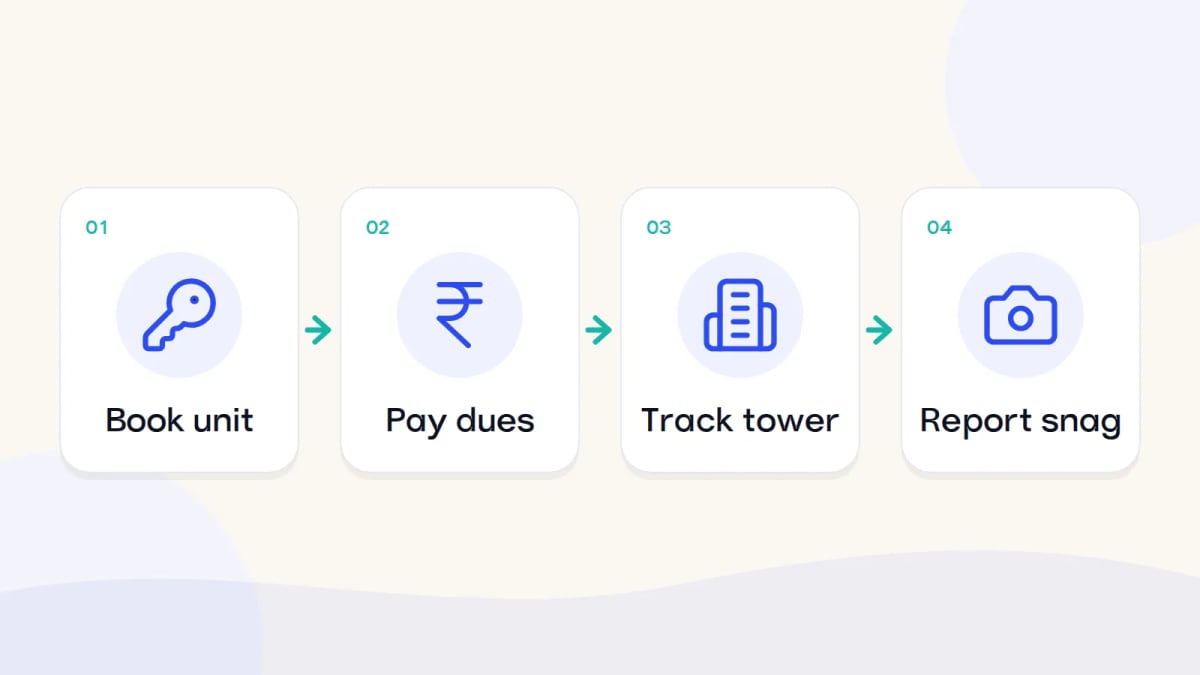
Progress they can trust. Updates are posted per tower or phase, each with a date and photographs from your site team. A buyer in Tower B sees Tower B, not a general render. If an update is late, the app shows when the last one was posted. We agree the rhythm with your site and marketing teams before launch, because a progress screen that stops updating creates more calls, not fewer.
Payments without guesswork. The buyer sees the schedule agreed for their unit, linked to construction stages, with the amount due, the due date and the receipts issued. Demand letters can appear in the app as they are issued, with a notification. If you want buyers to pay in the app, we can integrate a payment provider such as Razorpay where your merchant account allows it, with card details handled by the provider's SDK.
Documents in one place. Allotment letter, agreement copy, receipts, bank no-objection letters and possession letters, each visible only to that unit's buyers. Co-applicants can each have their own sign-in to the same unit.
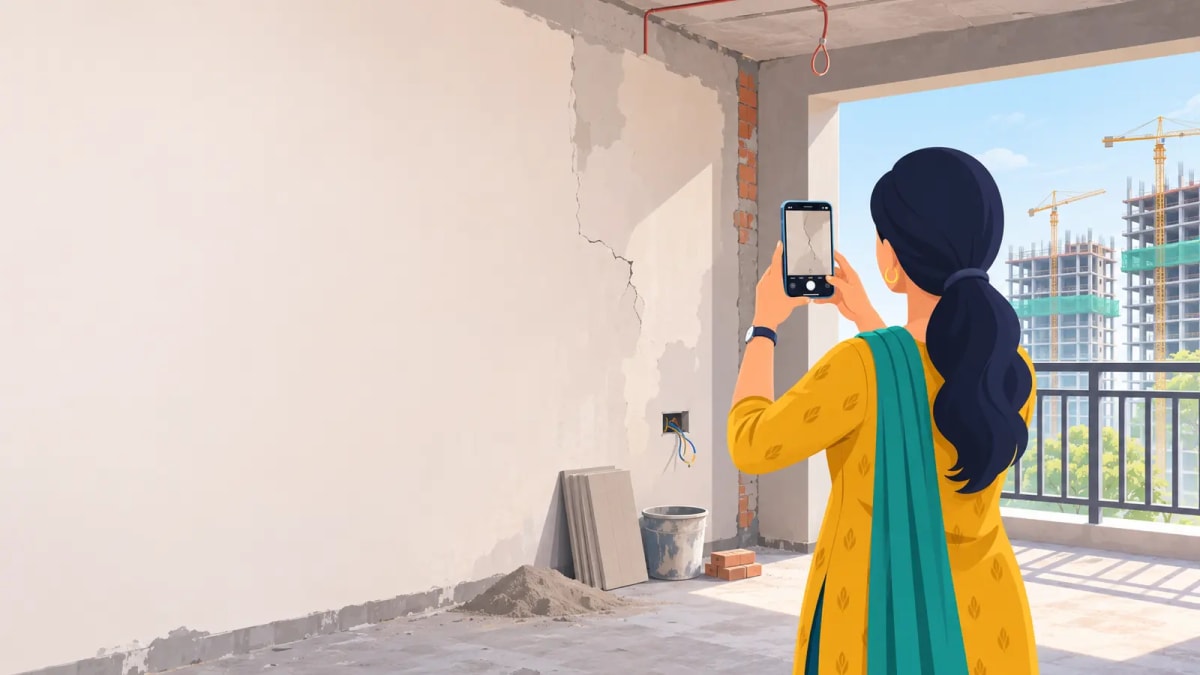
Snags at possession. When keys are close, the buyer walks the flat and reports each issue with a photo, the room and a short note. The site team sees one list per unit, fixes items and marks them for the buyer to confirm. That record helps both sides when a handover date is discussed.
For sales teams: from walk-in to booking
On a busy Sunday a sales executive meets twenty families and remembers five. A sales app lets them check in a visitor at the gallery, note the configuration and budget discussed, record who brought them (direct, a campaign or a channel partner) and set a follow-up. The visit then exists before anyone forgets it.
If enquiries already flow from your property developer website into a CRM, the app reads and writes the same leads rather than starting a second list. Where a channel partner registers a buyer, the record shows the registration time, which settles most "who brought this buyer" disputes before they start.
Data, privacy and the office side
Buyer apps hold personal and financial details, so access is per unit and checked on the server for every request, as described on our Android service page. We collect only what the app needs and explain it in the privacy policy and the Play Store data-safety form. Staff accounts are separate from buyer accounts, with different permissions.
The app needs a backend: payment schedules from your accounts, documents from your CRM team and updates from site. We can build an admin panel where your staff publish updates and upload documents, or connect to systems you already use. For broker-facing or internal workflows such as inventory holds and approvals, see custom software for property developers.
How we build and release it
We start by listening to a day of CRM calls, with your permission, and sorting them by reason. That list sets the first release. We prototype the buyer's home screen and test it with a few existing buyers before building.
The app is built in Kotlin with Jetpack Compose, with Firebase Cloud Messaging for notices and Crashlytics for crash reports, as listed on our Android app development service. Test builds go out on a private testing track every one or two weeks. We pilot with one tower's buyers, measure which call reasons drop, and then open the app to the rest of the project through Google Play.
What decides the cost
The scope moves with the number of projects and units, whether you need buyer features, sales features or both, payment integration, how documents and schedules reach the app (manual upload or integration with your accounts and CRM), snag workflows, channel-partner access, languages, and whether an admin panel is part of the build. We quote after seeing one buyer's file and your list of common calls, and we do not publish prices.
Project evidence (adjacent)
We have no standalone Android app case study and no real estate project. The nearest work is labelled adjacent.
The Grafftee is a platform website for an HR and recruitment company, with an integrated booking form and calendar scheduling so enterprise prospects book consultation demos without back-and-forth email. A site-visit booking follows the same idea. Cleanship is a Next.js site with 310 service-and-port landing pages, each carrying its own facts; a developer with several projects and towers needs the same discipline in keeping each unit's information separate.
Get a written quote
Send us one anonymised buyer file (payment schedule, receipts and documents) and a rough count of the calls your CRM team takes each week by reason. If sales is the priority, add a sample of your walk-in register. Work starts with a 50% advance and continues through milestone approvals for the prototype and the one-tower pilot. Message us on WhatsApp at +91 73482 28167 and you get a fixed written quote within one working day.
Case studies
Adjacent work · another industry
Cleanship
Marine cleaning company registered in Ajman Free Zone — a Next.js site with a landing page for every service at every port it covers across the UAE, India, the Gulf and West Africa.
Read the Cleanship case studyAdjacent work · another industry
The Grafftee
Comprehensive HR & talent acquisition platform for India's leading recruitment and workforce solutions company.
Read the The Grafftee case study
Frequently asked questions
Should a developer build an app or just a website?
Build the website first for new buyers who are searching. An app pays off once you have booked buyers who need regular updates, payments and documents over several years.
Can buyers pay instalments in the app?
Yes, through a payment provider such as Razorpay where your merchant account allows it. Receipts can appear in the app once payment is confirmed.
Can co-applicants use the same unit?
Yes. Each co-applicant can have their own sign-in with access to the same unit's records.
Can we show construction progress for each tower?
Yes. Updates are posted per tower or phase with dates and photographs, and buyers see the tower they booked in.
Can the sales team use it offline at the site?
Visit check-ins and notes can be saved on the phone and sent when the connection returns, which helps in sales galleries with weak signal.
Is it available for iPhone?
This service covers native Android. Many buyers, including NRI buyers, may use iPhones, so tell us during discovery and we will explain the options for iOS.
Who owns the app?
The developer does. The Play Store listing sits in a Play Console account under your company, and the source code is handed over, so a later project can reuse the same app.