

Which tool fits your business
| Business type | What the owner checks first | Modules to start with |
|---|---|---|
| Artist or small studio | Do I know what is available, reserved and sold? | Piece register with photos, status and price notes |
| Brand working with artisan clusters | What did we issue to each maker and what came back? | Job work orders, material issued, pieces received, rework |
| Cooperative or NGO | What does each member have with us and what are they owed? | Member ledger, consignment in, sales out, settlements |
| Gallery or consignment seller | Which artist's work is where and what is due to them? | Consignment register, sales, commission and statements |
| Exporter | Is every order ready with the documents the buyer asks for? | Order tracker, packing lists, buyer sample approvals |
Most businesses start with the register in the first row and add one more module once the team is using it every day.
A register built for one-of-a-kind pieces
Each piece gets its own record with an identifier, photographs, maker, technique, materials, dimensions and its current place: studio, warehouse, gallery, fair, with the buyer. A piece can be reserved for a client with an expiry date, so a hold does not quietly become permanent. When a piece sells on one channel, its status changes everywhere the team looks, which stops the most common mistake in craft retail: selling the same unique work twice.
Sets and series need a different rule. Twelve plates of one design can be tracked as a set and as individual plates, so a broken one can be replaced without losing the history. Made-to-order designs hold the reference sample, the approved variations and the lead time quoted to buyers.
Job work with artisans
When a brand issues material to a maker, the software records what was issued, the design, the quantity expected and the agreed date. Receipts are logged against that order, including rejects and rework, so the brand and the maker work from the same numbers. A coordinator can see which makers are overloaded before promising a new order, and which designs consistently come back late or need rework. Payments agreed per piece are recorded against what was accepted; the money itself moves through your bank or accounting system.
Consignment and galleries
Consignment is where craft businesses lose track of money. The software records what went to each gallery or shop, on what terms, what sold and what came back. Statements for each consignee or artist are generated from the same records, so nobody rebuilds them from messages at the end of the month. A cooperative can use the same structure in reverse: members' work received on consignment, sales recorded, and each member's settlement shown clearly.
Export orders and buyer samples
An overseas buyer usually approves a sample before placing a volume order, then asks for packing details, carton counts and photographs before dispatch. We build the order tracker around those steps: sample sent, sample approved with comments, order confirmed, production by maker, quality check, packing list and dispatch. Each step holds its documents and photographs. Which export documents your buyers and shipping agent need is something you confirm with them; the software stores and assembles them rather than deciding the rules.
Origin and authenticity details
Buyers increasingly ask who made a piece and where. The register can store the maker's name (with their consent), the craft and the region, and print it on a tag or certificate. If you display an origin or certification claim, keep the supporting record beside it so staff can review it before printing or publishing.
Reconcile stock before a seasonal launch
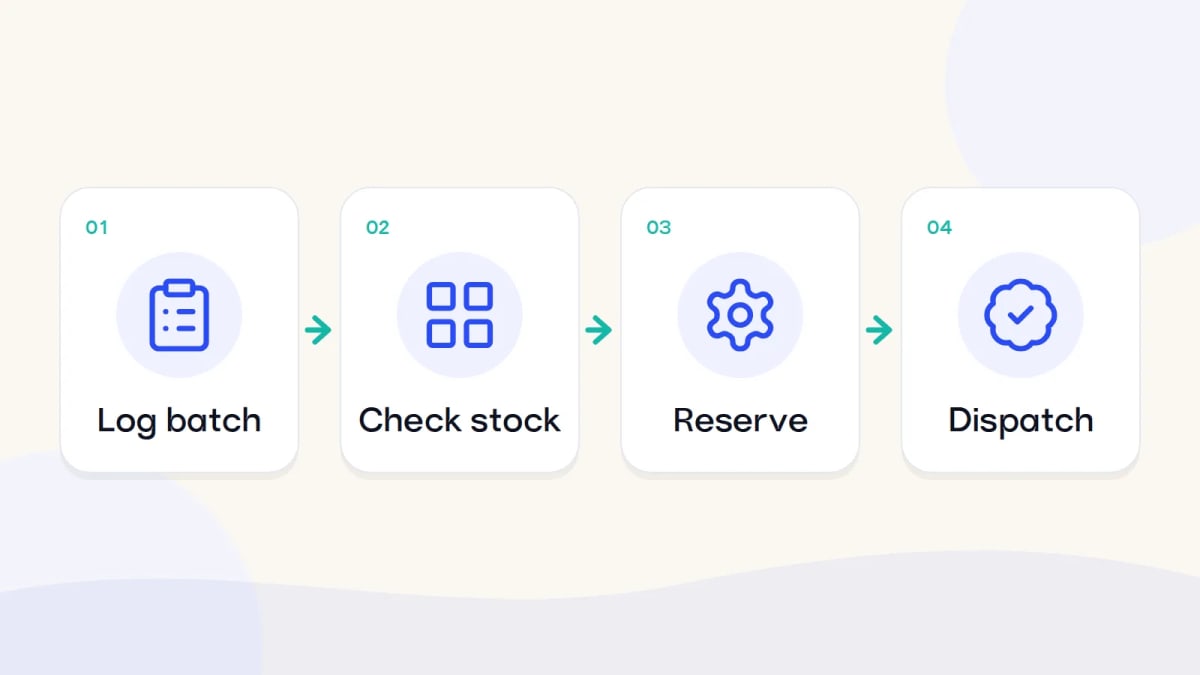
Build a launch allocation view that distinguishes photographed pieces, pieces still in finishing and stock committed to wholesale buyers. The workshop manager can reserve a named batch for a gallery or reserve a quantity of interchangeable pieces for the store. When an item goes missing during packing, mark the reason and release the rest of the allocation without losing the original reservation. Add a dated export for the shop team so they can compare the launch count with the last physical count.
Test the register with actual workshop examples before importing the full catalogue. Include a one-off piece with no substitute, a set assembled from parts held in different bins and a collection produced by two artisan groups using the same design. Ask a coordinator to issue materials, receive a partial batch, send two pieces for rework and reserve one for photography. The resulting balances should answer where the remaining pieces are and which items can be offered to a buyer now.
At a consignment return, log the gallery, statement period and condition of each returned piece. Put damaged stock into a separate state until the maker can decide whether to repair, discount or retire it. If the gallery has reported a sale before sending the statement, hold the sale for reconciliation with the next remittance. Set permissions so a gallery contact sees only their own allocations and never the wholesale terms of other galleries.
If a gallery sends a spreadsheet of returns, preview the updates alongside the original item references before applying them. Put unknown references into a review queue so an editor can identify the piece using a thumbnail and its delivery record. Save the incoming row and the person who confirmed the match. In the next statement, the accounts team can see which returns cleared and which still need confirmation.
What decides the cost
The scope depends on the number of modules, how many people and roles use the system, whether makers or galleries get their own logins, how photographs are stored, the reports and statements you need, and whether the tool connects to your online store, marketplace listings or accounting software. Migrating an existing spreadsheet adds work in proportion to how tidy it is. We quote after mapping your real flow and do not publish prices.
How we build it
- Discovery. We trace five real pieces: one sold at a fair, one on consignment, one made to order, one exported and one returned.
- Data model and screens. We agree the fields for a piece, a maker and an order, then show clickable screens.
- Build. A browser application in React or Next.js with TypeScript, Node.js APIs and PostgreSQL. Supabase can provide the database and sign-in where it fits. The stack is confirmed in the quote.
- Import and pilot. We import a cleaned copy of your current list and run one season's work alongside the old method for an agreed short period.
- Handover. Training for the team, an admin guide and milestone sign-off.
Terms are a fixed written quote within one working day of the brief, a 50% advance and milestone approvals. See our software development service for the wider scope.
Proof: closest real work (adjacent)
We have no custom software project for a craft business. The closest work is labelled adjacent.
SIDCO (adjacent: outreach and application website). We built the site for a council connecting small-scale industry workers to government schemes and free skills training in sewing, embroidery, weaving and painting, with an application form that captures candidate details, district and state. Read the case study.
ClickNGreet (adjacent: a gift store). A WooCommerce store with 20+ categories including resin art, product variants and bulk order management for corporate gifting. Read the case study.
Get a written quote
Send us your current stock list, even if it is a messy spreadsheet, and tell us which piece went missing last season. Message us on WhatsApp at +91 73482 28167 and you get a fixed written quote within one working day.
Case studies
Adjacent work · another industry
SIDCO — Small Industries Development Council Organization
Outreach and application platform connecting small-scale industry workers to PMEGP government schemes, free skills training and welfare support.
Read the SIDCO — Small Industries Development Council Organization case studyAdjacent work · another industry
ClickNGreet
Personalized gift shop and marketplace with 20+ product categories and pan-India shipping.
Read the ClickNGreet case study
Frequently asked questions
Why not use standard inventory software?
Most inventory tools count identical units. Craft stock is often unique, on consignment or still with a maker, and that needs a record per piece and per maker.
Can it sync with our online store?
Where the store has an API, piece status and stock can sync. We confirm what your platform supports before quoting. See ecommerce development for handicrafts and art.
Can makers log in?
Yes, with a simple view of their own orders and receipts, if they want one. Many businesses start with coordinators entering the data.
Can it produce consignment statements?
Yes. Statements come from the recorded consignments and sales, for each gallery, artist or member.
Does it handle GST invoices?
We can generate invoices from the system or pass sales to your accounting software. Your accountant confirms the tax treatment.
Can we start small?
Yes. A piece register alone is a useful first release.
Do you also build apps for field coordinators?
Yes, on native Android. See Android app development for handicrafts and art.