

What your visitors need from the site
Website development for gyms and fitness studios should make it easy to choose a class and book a trial at the right branch. A first-time visitor wants to know which class suits them, when it runs, where to go and whether there is space. A current member may only need today's schedule or the right place to change a booking. Give both routes a clear home and make the public timetable readable without signing in.
Put class description, level, duration, location and what attendees should bring together. Have staff approve how to describe suitability and modifications. When a timetable changes, let the owner update the actual session record rather than editing three copies. Closing days, substitutions and one-off classes should have visible dates.
Define what a trial request means. If reception needs to confirm eligibility and capacity, the receipt should say so. When members go through an existing booking application, link to the correct location or programme. Keep health disclosures and member records in the process the business has approved for them.
Compare the main visitor routes
| Visitor or stage | What the website provides | Acceptance check |
|---|---|---|
| First visit | Choose an introductory session or tour | Location and expected confirmation are visible before sending |
| Regular member | Open timetable or existing booking system | Schedule reflects substitutions and cancelled sessions |
| Full class | Use an approved waitlist or find alternatives | Messages clearly distinguish waitlist, offer and confirmed space |
Make one schedule answer more than one question
A potential member wants to know whether a class is accessible to beginners. An existing member may want the next session at their usual location. Build a timetable that can be read by day and location, with enough detail to identify the class before opening the booking system. Keep recurring schedule data separate from dated exceptions. A substitution that only appears in social media will still surprise people using the timetable. Assign a person to remove a dated closure from public view and maintain an alternative contact in case the booking system is unavailable.
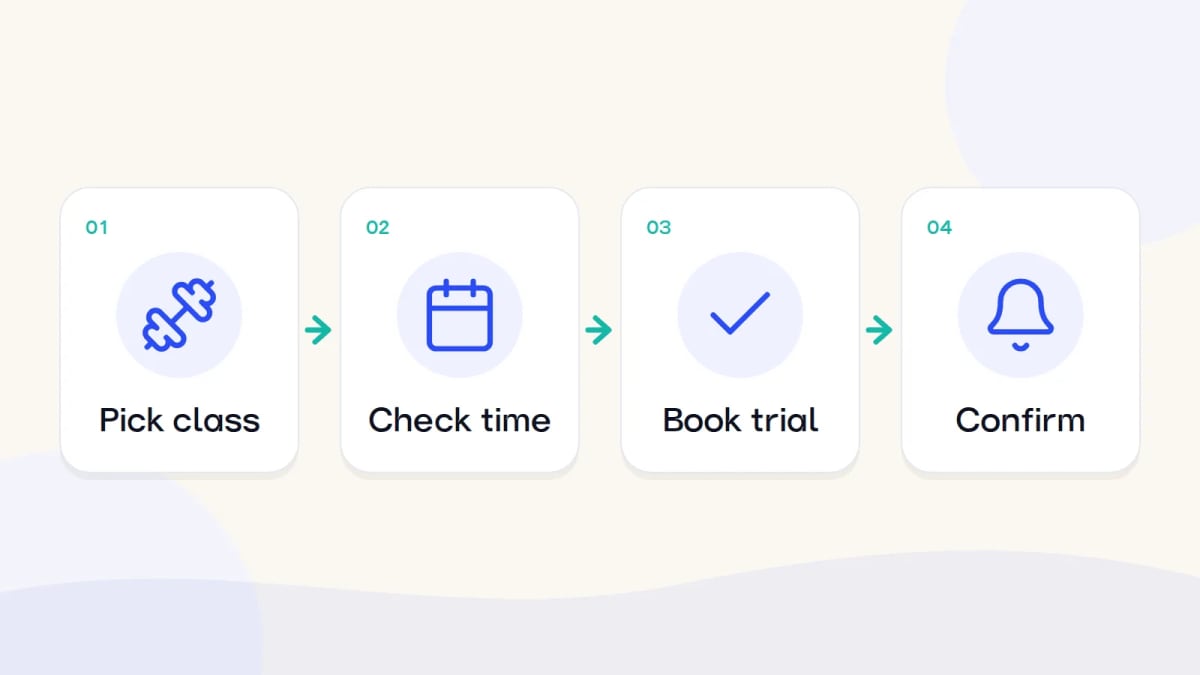
Write the first-visit path with reception
A trial, facility tour and introductory class may each require different preparation. Describe the action and what follows. If a visitor may need to arrive early, tell them on the page and in the approved confirmation. Clarify what happens when the requested session is full. Send the information reception needs, with a way to catch duplicate submissions and describe how members should cancel. Have a staff member follow the plan using the same phone and messaging tools they normally use. If the flow depends on a separate platform, test the handoff with a visitor who has never created an account.
Scope club features around capacity rules
A website can show a public schedule even if booking stays elsewhere. If members need availability or a waitlist, work through the policy before choosing an interface. Agree what ends a hold, who is notified next and what someone sees if they miss the invitation. A published session capacity is meaningful only if the same rule is used across channels. Branches may have different policies about check-in or cancellations. Let an approved owner decide which variations should be visible, and keep sensitive member records in the appropriate system.
Have the staff change something before launch
WordPress may fit a gym that mainly needs pages and a timetable its staff can edit. As part of website development, we would review a class page, trial route and location template at an early milestone. Ask reception to swap an instructor or close a branch for a day in staging and review all public views where it appears. Test course filters, keyboard interaction and booking links before publishing. If a provider supplies live booking data, define the fallback when it returns no availability or is offline. Staff should know whether they can change the fallback message.
Put timetable exceptions into the design
Illustrate a normal week and a special event that displaces several classes. Give managers a way to enter the exception without changing the regular schedule permanently. Include the affected branch, the date and any approved next action. People may still see a cached schedule or a link from a campaign, so make the dated status obvious when they open the session. Test what happens when a substitute instructor runs the usual class, a cancellation affects only one branch or a session returns after a holiday. That review can reveal why a static image of a timetable often needs a better companion.
Provide a route for members who cannot book
A person who cannot enter their account may still need to check how they should cancel or reach the studio. Put that information where a public visitor can use it without viewing member records. Agree how the external platform indicates closed, full and unavailable states. If it offers a waitlist, review when a visitor receives an offer and how long they have to act. The website can explain the relevant policy before the handoff. Keep confirmation copy and any published studio information aligned with what staff explain at the desk.
Develop the first-visit page with a coach
Go through what happens after a person requests a first session. Decide what a coach wants them to know before arrival, which questions reception handles and whether the class has prerequisites staff can describe publicly. A membership sale has a different set of details, so avoid forcing visitors to choose a plan when they only want a tour. Check that they can tell the difference between seeing an open session, requesting a place and having it confirmed. Give the page an owner who can update it when trial policies or locations change.
Before the site goes live
Use a trial visitor on a phone, a member seeking a class after a timetable change and a class that is full. Ask reception to follow the notifications and check whether the confirmation tells people how to cancel or reach the branch. Verify that an archived promotion no longer advertises an unavailable offer.
What decides the cost
How many locations, schedules, membership routes and booking interfaces you have determines effort. Include any archived offers or schedule pages that need migration.
A public site that lists locations, programme pages and trial enquiries has a different scope from one that maintains an up-to-date class calendar and sends changes to an existing booking tool. Compare those options using the same branch and a realistic timetable. Ask which tasks staff already do elsewhere and which would need a second update if the systems are not connected.
For a booking integration, agree how the provider handles capacity, substitutions and the earliest or latest time to reserve a place. Review the messages members see if a class is full, if an offer expires or if their booking fails after a system delay. The hours of work depend heavily on whether the current platform already handles those cases. Decide who can get access to the relevant test setup and which staff should approve the experience.
Content scope also changes when a club runs regular promotions or classes that move between several spaces. Decide which dates, branch details and programme descriptions should carry over from the existing site. Get the people who run membership and timetabling into an acceptance session. Have them compare the visitor's instructions with the information they receive, including on a phone after the club has closed. That exercise helps determine whether more automation is useful or whether the main need is better published information.
For each branch, include a sample from the current schedule and a holiday exception. Confirm who maintains each in the existing system. If different branches need different confirmation or cancellation instructions, include the resulting templates and test cases in the brief so the quote reflects the actual work.
Once you approve the scope, the project starts with a 50% advance. Review the timetable and booking handoff at milestones with staff who run the schedule.
Adjacent proof from our work
Lady Scooty Trainer is an adjacent example. The training site separates programme explanations from the consultation request and records location and time preference. That is relevant to fitness visitors choosing a branch, class or introductory visit.
Request a quote
Send your current timetable, the branch that gets most trial enquiries and an example of the confirmation a visitor sees before their first class. Message us on WhatsApp at +91 73482 28167 and you get a fixed written quote within one working day.
Case studies
Adjacent work · another industry
Lady Scooty Trainer
Booking platform for a women-only scooty training service across Delhi NCR — free-consultation funnel, course pages and CSR partnerships.
Read the Lady Scooty Trainer case study
Frequently asked questions
Can our site show live class availability?
Yes when a supported booking system can supply it. If staff maintain a static schedule, explain how customers check availability.
What should a trial form collect?
Ask what reception needs to respond, usually a location or programme and contact preference. Keep health and consent workflows in the approved intake route.
Can we build a waitlist?
Yes if the booking workflow supports capacity, expiry and promotion. Start by writing down what happens when more than one member wants the last place.
Do we need a page for each branch?
Give a branch its own page when it has distinct access, programme, trainer or timetable information. Include how to contact that location.
Can the team add new class formats?
Yes. Agree required fields, who can publish and how an edition of the timetable gets reviewed before it is visible.
Can people join online?
If membership terms, checkout and account activation are ready. Make the membership path distinct from a trial or visit request.
What if our booking provider changes?
Record which links or widgets depend on it and preserve stable site pages. Test the new member path before replacing the existing handoff.