

Plan a public site your practice can maintain
Website development for CA and accounting firms begins with a clear description of the practice and a reliable way for visitors to reach the right team. For a CA firm, ask a partner to approve the service names, partner credentials, enquiry wording and optional publication features before they appear online. Give existing clients an obvious route to the channel they already use.
Build a review into the site
ICAI's 13th edition of the Code of Ethics took effect in April 2026. Its updated website and advertisement guidelines matter when a CA practice decides how to present itself. During discovery, bring the current rules and the wording that your partners want to use. The build can keep candidate content in draft while the firm decides what to publish.
| Item for review | Practical website decision |
|---|---|
| Service descriptions | Use wording a designated partner can maintain |
| Partner details | Check who approves qualifications, photographs and updates |
| Client information | Ask the firm what may appear and keep examples anonymous unless approved |
| Public enquiries | Set the routing and confirmation text for each route |
| Articles and notifications | Decide who approves each topic and each way readers receive it |
Review the finished pages on a phone before launch. A short footer heading, confirmation message or search description can introduce a claim that a reviewer missed in the body. Give the approving partner one preview that includes those fields and the routes a visitor follows from a search result. Save the approved copy where the next editor can find it. If the firm offers both routine accounting work and services reserved to a particular practice, use the firm's approved terms and keep the journeys clear.
Pages a CA firm's site needs
Services. One page per professional service you offer, such as audit and assurance, direct tax, GST, company law compliance and advisory. Each page explains what the service covers, who typically needs it and what documents a client brings to the first meeting. That last part saves your team a round of emails.
Partners and team. Each partner with qualifications, membership details you choose to show, areas of practice and a passport-style photograph. Senior team members can be listed in the same format.
Professional updates. Short notes on changes in tax or compliance that matter to your clients, written by the firm. The publishing template gives the firm space to approve and date each professional update.
Office and contact. Address, a map, working hours and a contact form. A firm with more than one office lists each with its own address and phone number.
Contact that respects confidentiality
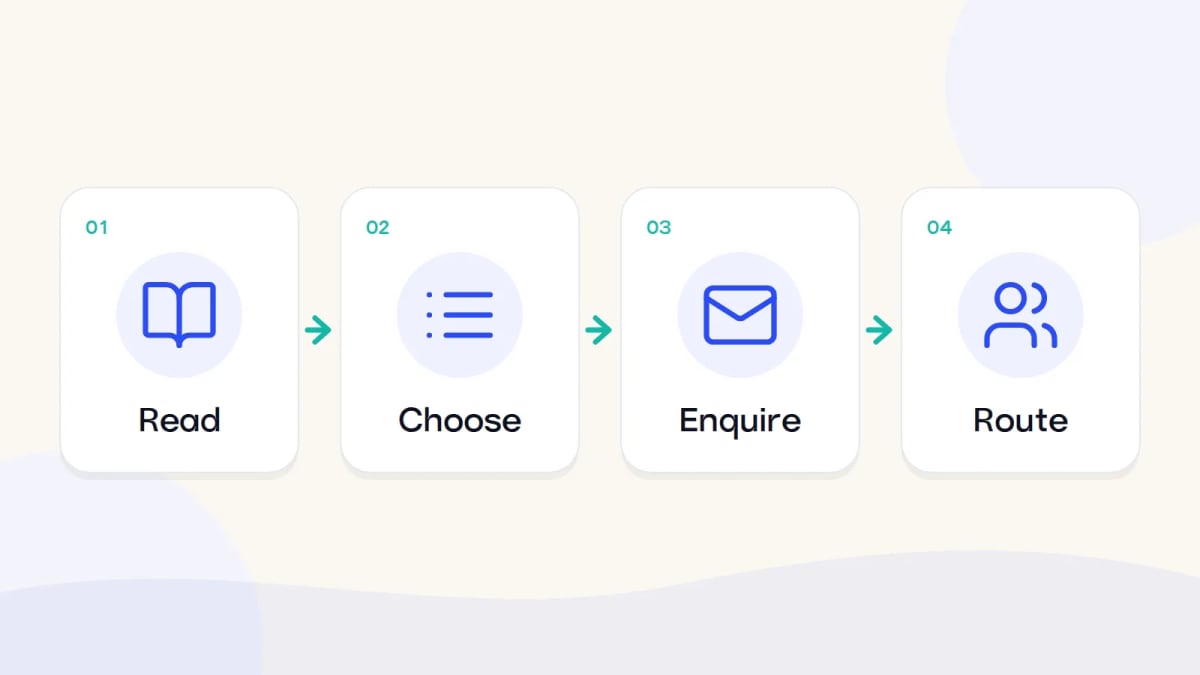
Clients will try to send documents through any channel you give them. A public website form should collect only what is needed to start: name, contact, the service and a short description. We advise against inviting tax returns or financial statements through the website form; documents belong in a secure channel your firm controls. The form routes each enquiry to the partner or team responsible for that service, and the confirmation message tells the client when to expect a reply.
If you want a client document area, that is a separate piece of work. It needs authentication, access per client and a retention rule, and the planned custom software page for this industry covers it. A firm-wide Android app is also in the ranked plan, though most firms do not need one.
Accounting and bookkeeping firms that are not CA practices
A bookkeeping or payroll firm can start its site brief by describing recurring work, such as reconciliations, payroll inputs and reporting. Ask the firm to approve how it describes its services and any permissioned client examples. We ask early which applies to you, because the structure of the site differs: a CA practice leads with services and partners, while a bookkeeping firm can lead with how it works with small businesses month by month.
Decide who owns updates after launch
Ask the practice to nominate one person to review service descriptions and another to handle changes to the contact routes. Build the editing workflow around their approvals. A change to a staff profile, an office address and an informational article can need different reviews. Keep a dated record of the page the firm approved so it knows what was published and can withdraw an outdated item promptly. Before launch, test one profile change and one contact change with the people who will actually maintain them.
Separate the general enquiry from any invitation to exchange documents. When an existing client clicks through from the public site, show the destination and let the practice decide who may issue access. Review a missed invitation with the client service team. Someone answering the phone should be able to explain the next step without asking for a password or sensitive document over an ordinary contact channel.
How we build it
- Guidelines review. We go through the ICAI list with a partner and agree what the site will and will not include.
- Service map. We list your services and write a draft page for each from your notes. A partner reviews every word.
- Design. Plain, readable and quick, with the firm name in text and no decorative claims.
- Build. WordPress suits most firms, because a team member can publish professional updates without a developer. The stack is stated in the quote.
- Testing and launch. Form routing, office details, mobile reading and a final read-through by a partner against the guidelines.
Our website development service page describes the wider process.
Organise the service pages around engagement questions
A reader who runs a small business may arrive with a task in mind, such as handing over their books at month end. A finance manager may be checking whether the practice handles a particular kind of engagement. Both can benefit from a clear explanation of the first conversation. Ask a partner to describe what the firm needs to understand before it can scope the work. Translate that description into a short page with a service overview, what to have ready and the appropriate contact route.
Use the firm's own distinctions between services. A description of recurring bookkeeping needs a different intake path from a request to discuss a new advisory engagement. If the visitor submits the wrong request, let the team reassign it internally and preserve the information the visitor already gave. Test the routing with people who have never seen the site and ask them to explain why they selected a particular option. Their answers show where the menu or labels need another pass.
Distinguish branch information from engagement ownership
For a practice with more than one location, agree what a visitor can do at each office. Someone may want to arrange a conversation, bring records to an appointment or reach a team that serves several locations. Review the common journeys with front-desk staff. Use approved addresses and office hours and give each branch a consistent format. When a partner covers an engagement across offices, connect the service page to the right contact without requiring prospective clients to infer the arrangement from a list of names.
A change in contact ownership should be easy to make without changing the public URL. Keep an internal owner for each enquiry route and nominate someone who can cover absences. Test what happens to an enquiry that arrives at the end of the day or during a holiday. Make it possible to update the confirmation wording if the normal turnaround changes. Staff should recognise the alternative path and know how to correct the routing promptly.
Make professional updates easier to review
Start with two sample articles from the practice, perhaps an explanation of records to prepare and a calendar reminder that applies to certain clients. Agree who confirms the intended audience, publishes the final text and updates older guidance. A publishing template can carry the approval date, author, source and an internal review reminder. Decide which fields visitors see. Keep clear links to the practice where readers can ask whether a topic applies to their situation.
Use the existing site's archives to find older pages with similar titles. A short note written in one year can still rank when a rule or process has changed. Ask the editor how to distinguish an historical note from a current explanation. Give dated pieces an obvious label and plan what to do with URLs the firm retires. Review the search description as part of the same change so a reader who stays on the results page sees wording the practice approved.
Rehearse how the firm handles a new enquiry
Ask a staff member who regularly answers new-client enquiries to try the live preview. A useful test covers a clear request, a vague request and a submission that belongs with another team. Check the visible confirmation, the notification the staff member receives and the record used to follow up. A prospective client should have a clear next step whether they used a phone or submitted the form.
Test the case where the prospect tries to attach documents immediately. Agree on a plain response that directs them to a firm-approved channel after someone has reviewed the request. Check that the public form accepts enough information to make that decision and gives staff a point of contact. Test it with synthetic submissions. Check that the team can delete the examples and recognise the difference between a test enquiry and a real one.
Plan the smallest useful launch
A single office may only need approved service pages, partner details and a reliable contact path. A firm with an editorial calendar may need categories, an author review and an archive from launch. A practice with several lines of business might benefit from additional routing, but the owners should be defined before new fields and integrations are introduced. Show us how you handle an ordinary request today and which steps you want the public website to ease.
During handover, ask the firm to edit a contact route and preview a draft article. Confirm who can change published text, who can add new users and who reviews a request to connect another system. Agree where the team records the decisions it made before launch. A site that the practice can maintain will give staff a place to check the current wording and a route to make the next change.
What decides the cost
The number of services and offices, whether we write the service pages or edit your drafts, how many partner and team profiles you need, whether you publish professional updates regularly, the number of languages, and whether a client document area is in scope as a separate build. We quote after seeing your list of services and any current site. We do not publish prices.
Adjacent work
We have no CA firm case study. For Tulsi Institute, a corporate accounts training site, we built session enquiries and separate entry points for student and certificate verification, so a prospective student and an employer checking a certificate each find their route. For Be-Connect, a business telecoms provider, the site separates sales routes from customer support and login. Both are labelled adjacent; they show how a site can serve new and existing clients without mixing the two.
Review the old site for hidden entry points as well as current menus. A saved contact page, a search result or a link in an engagement email can send an existing client into the wrong route after launch. Map the old URLs to current destinations and have the contact team test where each one lands.
Get a written quote
Send us your list of services, the partners who will appear on the site and any page you already have. We will scope how clients contact you and set aside time for your partner to review the copy. Work starts with a 50% advance, with milestone approvals for the structure and the final partner review. Message us on WhatsApp at +91 73482 28167 and you get a fixed written quote within one working day.
Case studies
Adjacent work · another industry
Tulsi Institute
The corporate accounts training site brings session enquiries, course navigation and verification links together.
Read the Tulsi Institute case studyAdjacent work · another industry
Be-Connect
A business telecoms homepage with separate routes for product discovery and existing customers.
Read the Be-Connect case study
Frequently asked questions
Can a CA firm have a website in India?
Yes. ICAI's guidelines permit members and firms to have their own website, within the limits the Council sets on content and features.
Can we list our clients on the website?
Leave client names out during development and ask the firm to review any proposed disclosure against the current rules and its confidentiality obligations.
Can we add client testimonials?
We can keep feedback off the public site while the firm's partner reviews whether and how any testimonial could appear.
Can we show our fees?
The firm should review fee wording against the current guidelines before it publishes anything. We can give visitors a route to ask privately about the scope of an engagement.
Can we publish articles on tax changes?
The firm can use an editorial template for educational articles with an author, a date and an internal approval step. Ask the reviewer to agree which subjects and distribution methods fit the practice.
Do you check our site against the guidelines?
We provide a preview and a checklist for the partner who approves the content. The firm signs off on the applicable professional guidelines.
Can clients upload documents through the site?
We advise against using a public form for documents. A secure client area can be built separately, with access controls per client.